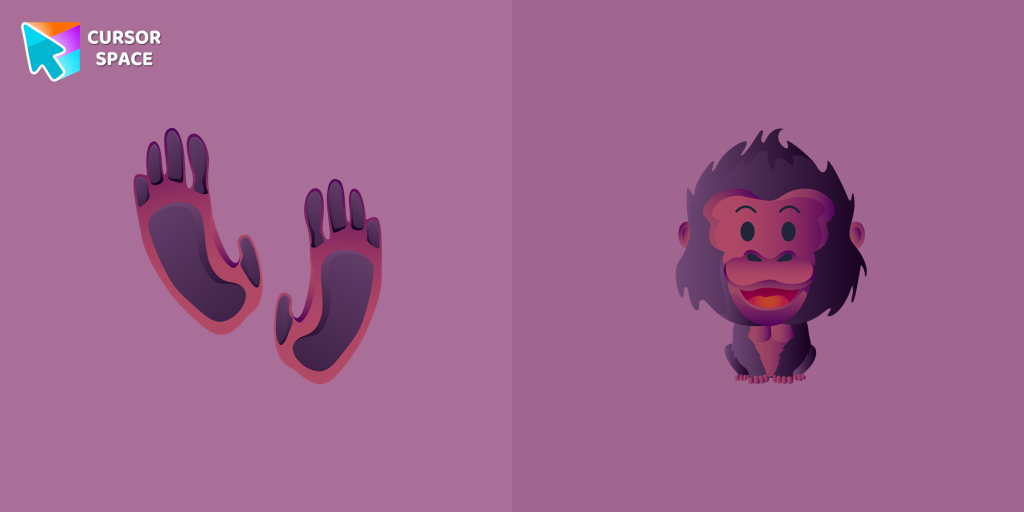
Happy Gorilla Cursor
Try this cursor
Preview Happy Gorilla Cursor in this sandbox. Hover and click - no extension needed for a test on this page. Download PNG, JPG, or CUR
Move here to see the default cursor
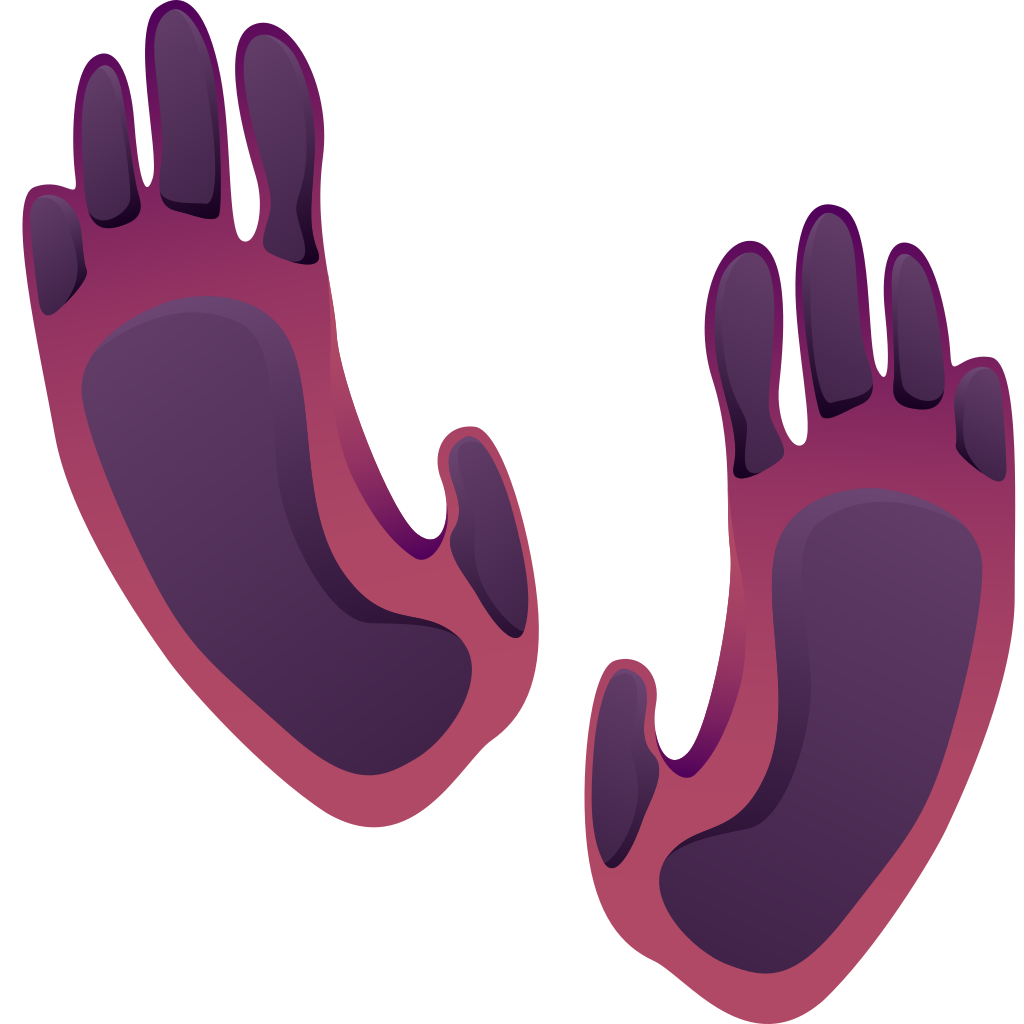 DefaultMove around the board
 PointerHover a button or link
Description
What's included in the package
- Default Cursor
- Pointer (Hand)
How to install a custom cursor pack Happy Gorilla Cursor
Install the Cursor Space extension for Chrome or Cursor Space for Edge in your browser.
On this page, click "Add this cursor pack to the extension".
Open the extension and go to the Packs tab.
Find the custom cursor pack "Happy Gorilla cursor" and click it.
Enjoy!
Ready to install?
Get this cursor pack and thousands of others by installing our extension. It's fast and free!
Install for ChromePopular cursors today
Most installed packs in Animals - add them to Chrome or Edge in one click.
- Top 1
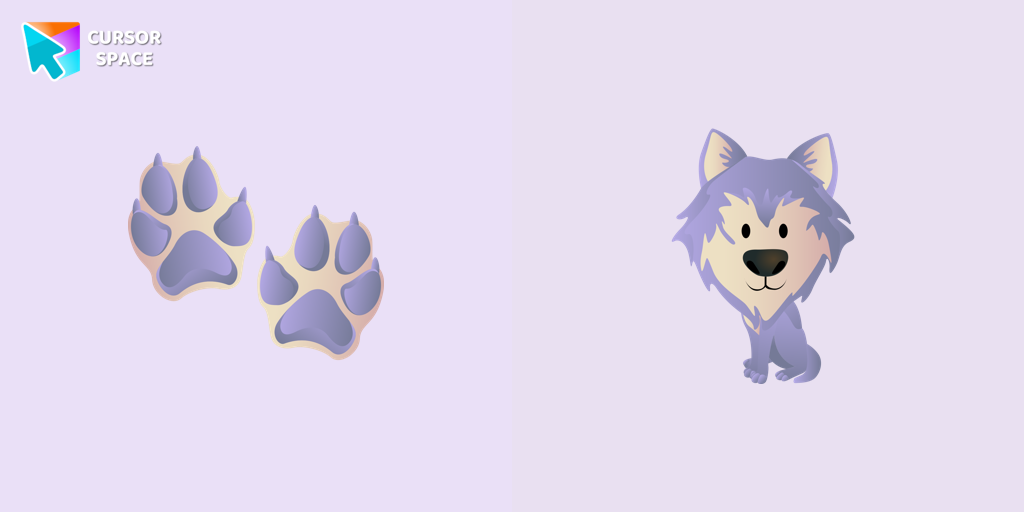 Wolf cursorIn our cute custom cursors collection with animals, we have illustrated a wolf as a custom cursor for browser in a nice art.
 - Top 2
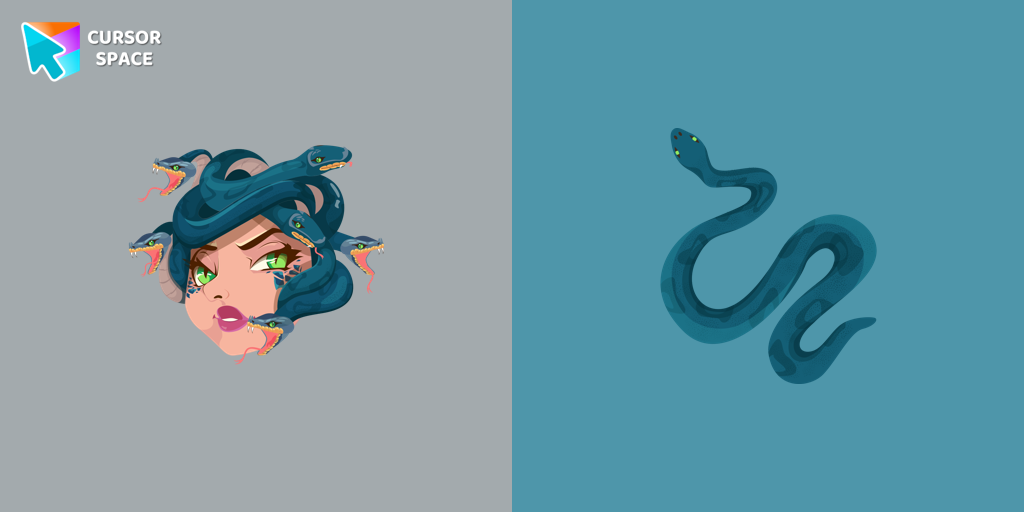 Gorgon Medusa cursorMedusa, a mortal woman transformed by Athena into a gorgon. Custom cursor with snake pointer for the mouse in our collection of custom cursors Greek Mythology.
 - Top 3
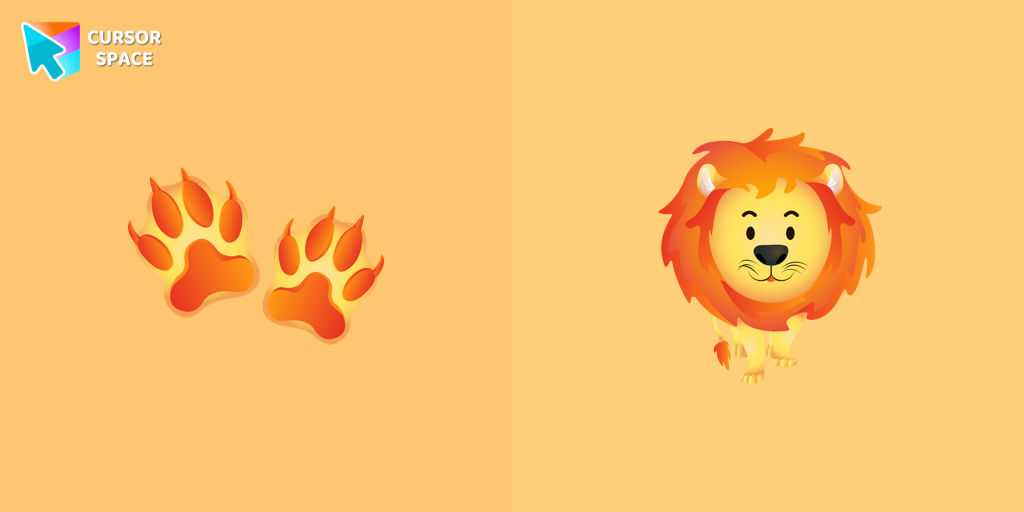 Lion cursorCute lion custom cursor with footprints is available in the animals custom cursors collection for mouse and pointers.
 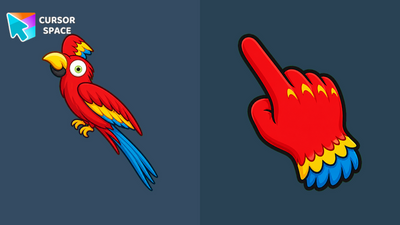 Scarlet Macaw Fan Art CursorScarlet Macaw Fan Art Cursor pack with a bright parrot arrow and matching red click hand for Chrome and Edge.
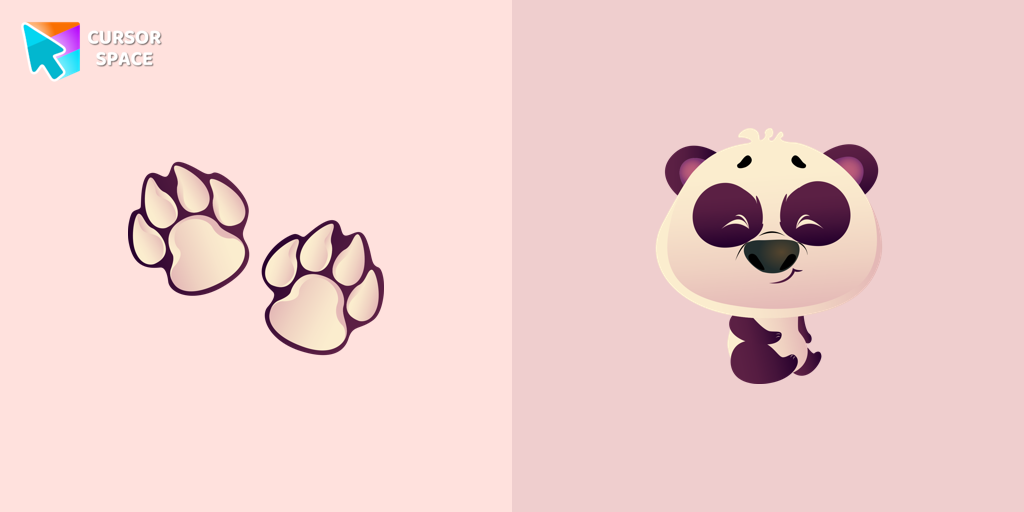 Happy Panda cursorThe panda is one of the rarest animals in the world. It lives only on the territory of China. Happy Panda cursor for mouse and pointer is illustrated for the custom cursors collection for mouse and pointer.
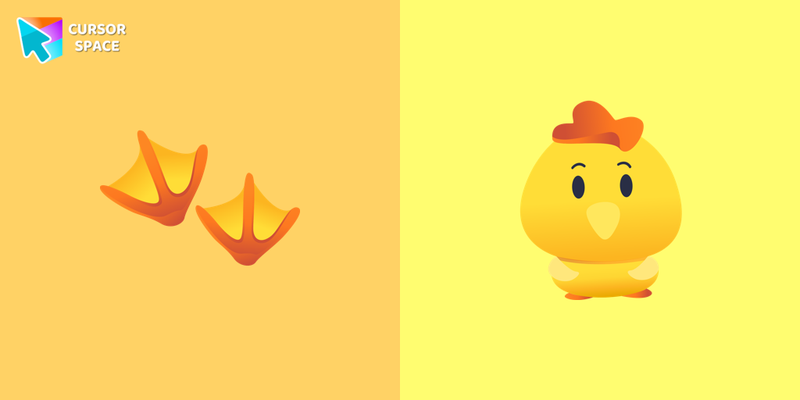 Сhick cursorLittle yellow chick cursor is illustrated for our adorable animals custom cursors collection for Chrome. Chick footprints as a cursor for mouse and the cute birdy pointer will look pretty nice on your screen.
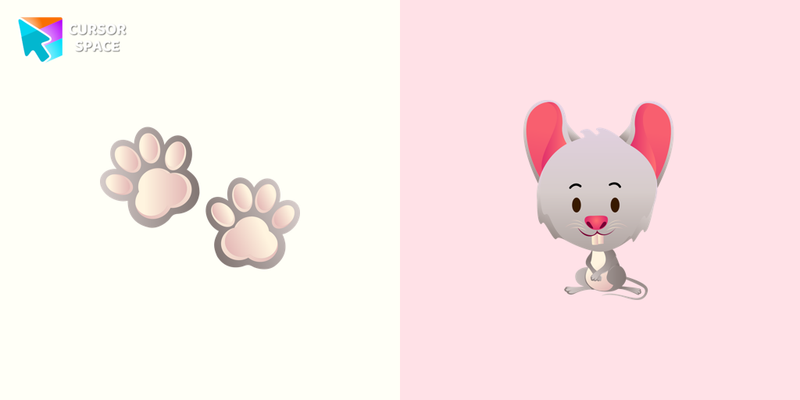 Mouse cursorThe little grey mouse cursor is illustrated for our adorable animals custom cursors collection for Chrome. Mouse footprints as a cursor for mouse and pointer will look pretty nice on your screen.
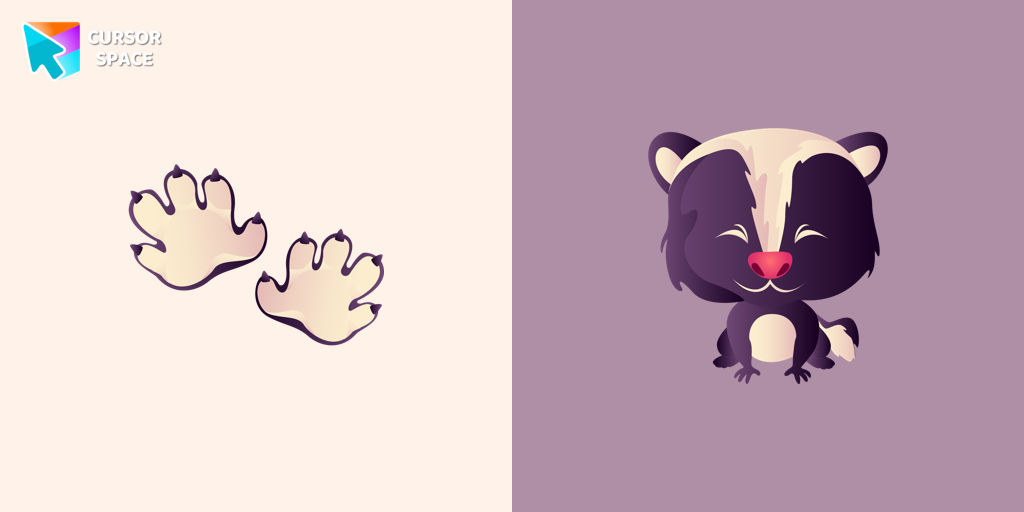 Sly Skunk cursorA predatory animal that loves to cause a lot of trouble! Meet the Sly Skunk cursor for Chrome in a custom cursors collection with Animals for mouse and pointers.
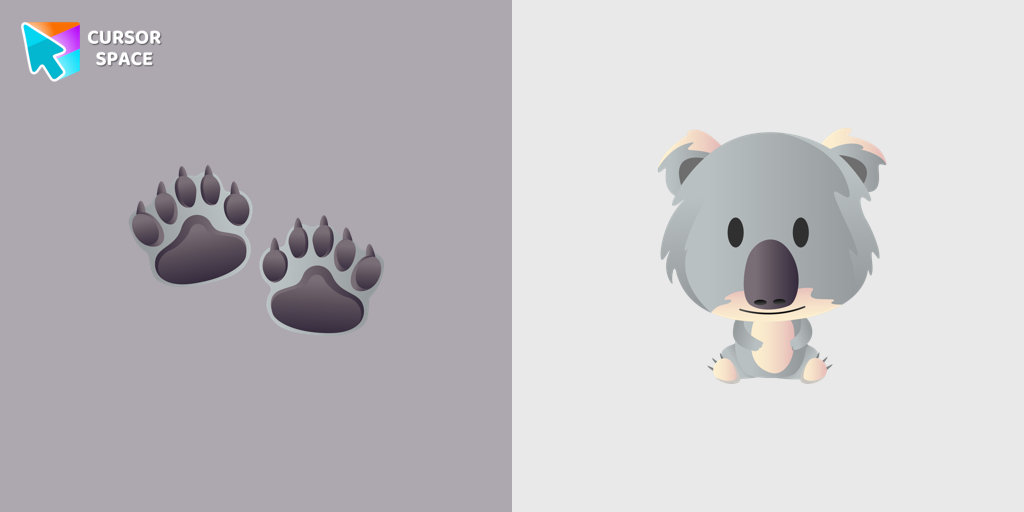 Amusing Koala cursorA cute Amusing Koala cursor was designed to make your browsing more lovely. Install the Amusing Koala cursor from our Animals custom cursor collection to feel a smile every time while browsing the web.
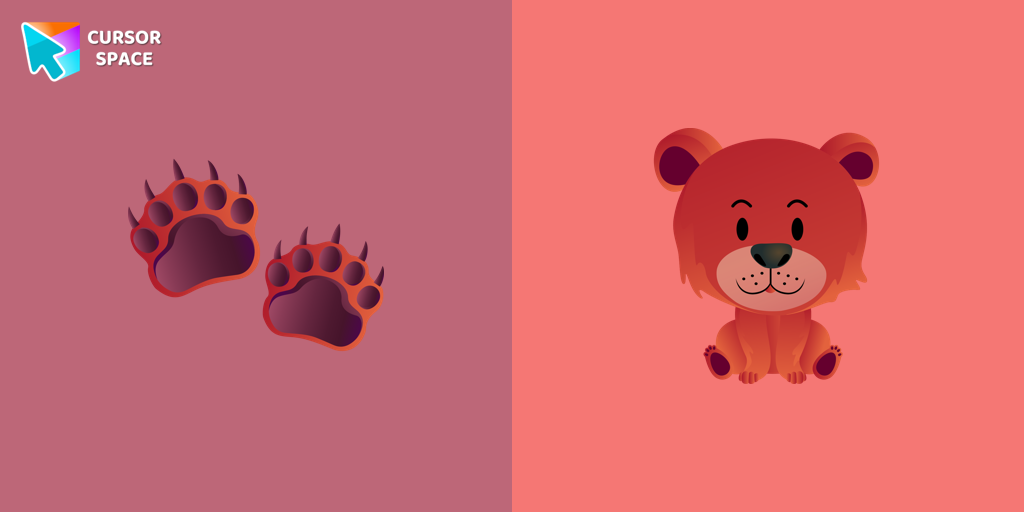 Happy Bear cursorA brown bear is a forest animal that lives preferably alone and has a long winter sleep until spring is coming. In our cute custom cursors collection with animals, we have illustrated a bear custom cursor for mouse and pointer in a nice art.
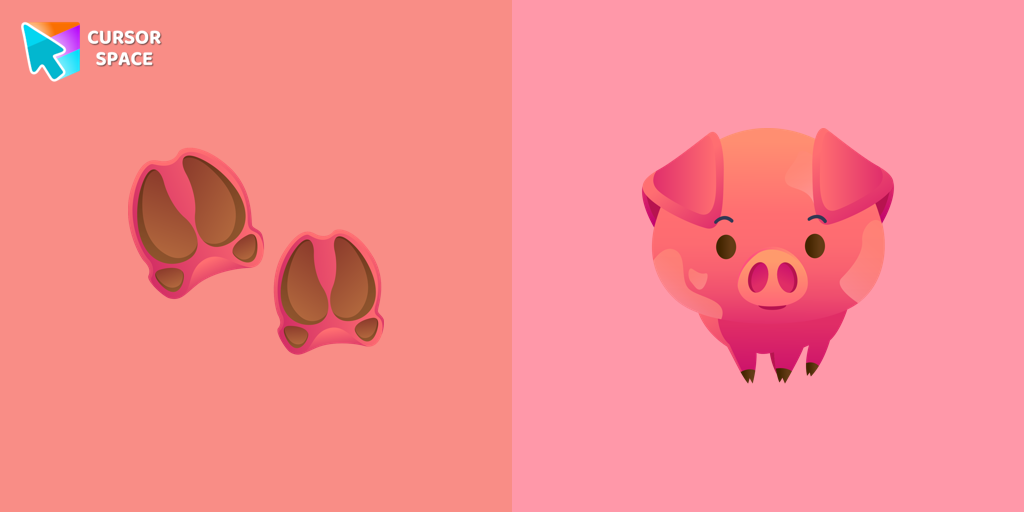 Pig cursorA funny pig from the farm is a well-known animal that lives near humans. We are glad to present this cute custom cursor with a pig animal from the adorable custom cursors collection for the mouse and pointer with animals.
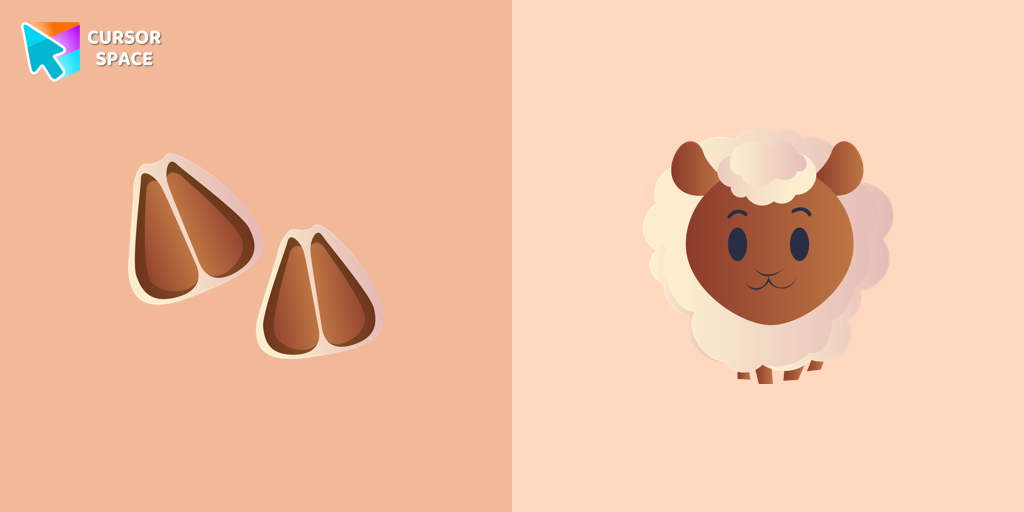 Sheep cursorFunny sheep from the farm is a well-known animal that lives near humans. We are glad to present this cute custom cursor with a sheep animal from the adorable custom cursors collection for the mouse and pointer with animals.
Collection hits
Installation leaders from "Animals": free packs, neon/anime/pixel art, quick add to Chrome and Edge.
- Top 1Wolf cursorIn our cute custom cursors collection with animals, we have illustrated a wolf as a custom cursor for browser in a nice art.
- Top 2Gorgon Medusa cursorMedusa, a mortal woman transformed by Athena into a gorgon. Custom cursor with snake pointer for the mouse in our collection of custom cursors Greek Mythology.
- Top 3Lion cursorCute lion custom cursor with footprints is available in the animals custom cursors collection for mouse and pointers.
- Scarlet Macaw Fan Art CursorScarlet Macaw Fan Art Cursor pack with a bright parrot arrow and matching red click hand for Chrome and Edge.
- Happy Panda cursorThe panda is one of the rarest animals in the world. It lives only on the territory of China. Happy Panda cursor for mouse and pointer is illustrated for the custom cursors collection for mouse and pointer.
- Сhick cursorLittle yellow chick cursor is illustrated for our adorable animals custom cursors collection for Chrome. Chick footprints as a cursor for mouse and the cute birdy pointer will look pretty nice on your screen.
- Mouse cursorThe little grey mouse cursor is illustrated for our adorable animals custom cursors collection for Chrome. Mouse footprints as a cursor for mouse and pointer will look pretty nice on your screen.
- Sly Skunk cursorA predatory animal that loves to cause a lot of trouble! Meet the Sly Skunk cursor for Chrome in a custom cursors collection with Animals for mouse and pointers.
- Amusing Koala cursorA cute Amusing Koala cursor was designed to make your browsing more lovely. Install the Amusing Koala cursor from our Animals custom cursor collection to feel a smile every time while browsing the web.
- Happy Bear cursorA brown bear is a forest animal that lives preferably alone and has a long winter sleep until spring is coming. In our cute custom cursors collection with animals, we have illustrated a bear custom cursor for mouse and pointer in a nice art.
- Pig cursorA funny pig from the farm is a well-known animal that lives near humans. We are glad to present this cute custom cursor with a pig animal from the adorable custom cursors collection for the mouse and pointer with animals.
- Sheep cursorFunny sheep from the farm is a well-known animal that lives near humans. We are glad to present this cute custom cursor with a sheep animal from the adorable custom cursors collection for the mouse and pointer with animals.
Install Cursor Space - A Collection of Custom Cursors for Chrome & Edge
Add packs instantly and unlock access to thousands of cursors: neon, anime, pixel-art, and more. Fast, safe, and free.
- Free cursor packs
- HD/HiDPI & animated icons
- Quick browser installation
Cursor Space is an extension for changing your mouse cursor in Chrome and Edge browsers: themed collections, HiDPI icons, neon, animated, and pixel cursors, with quick installation.